
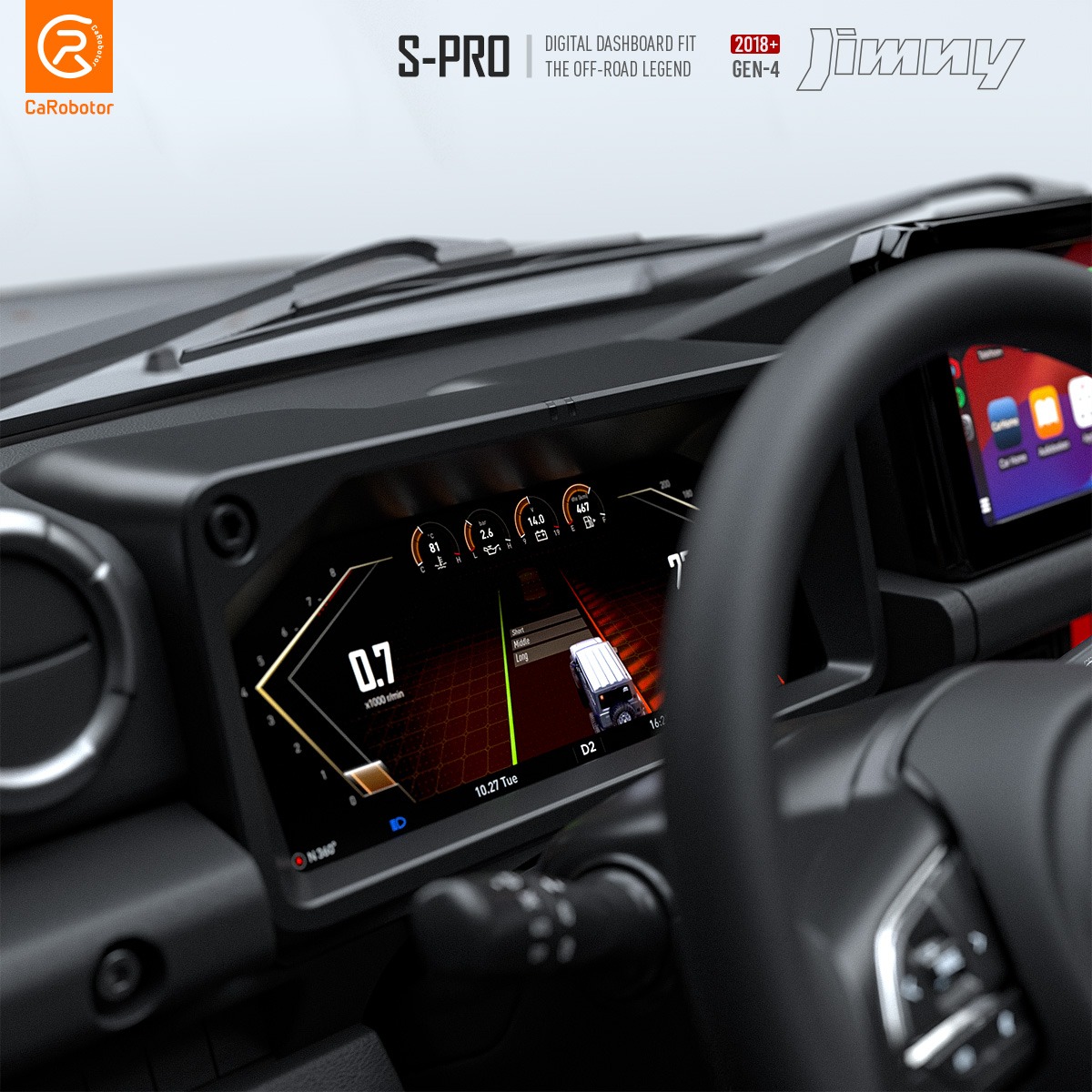
Suzuki Jimny Digital Dashboard | CaRobotor S-Pro
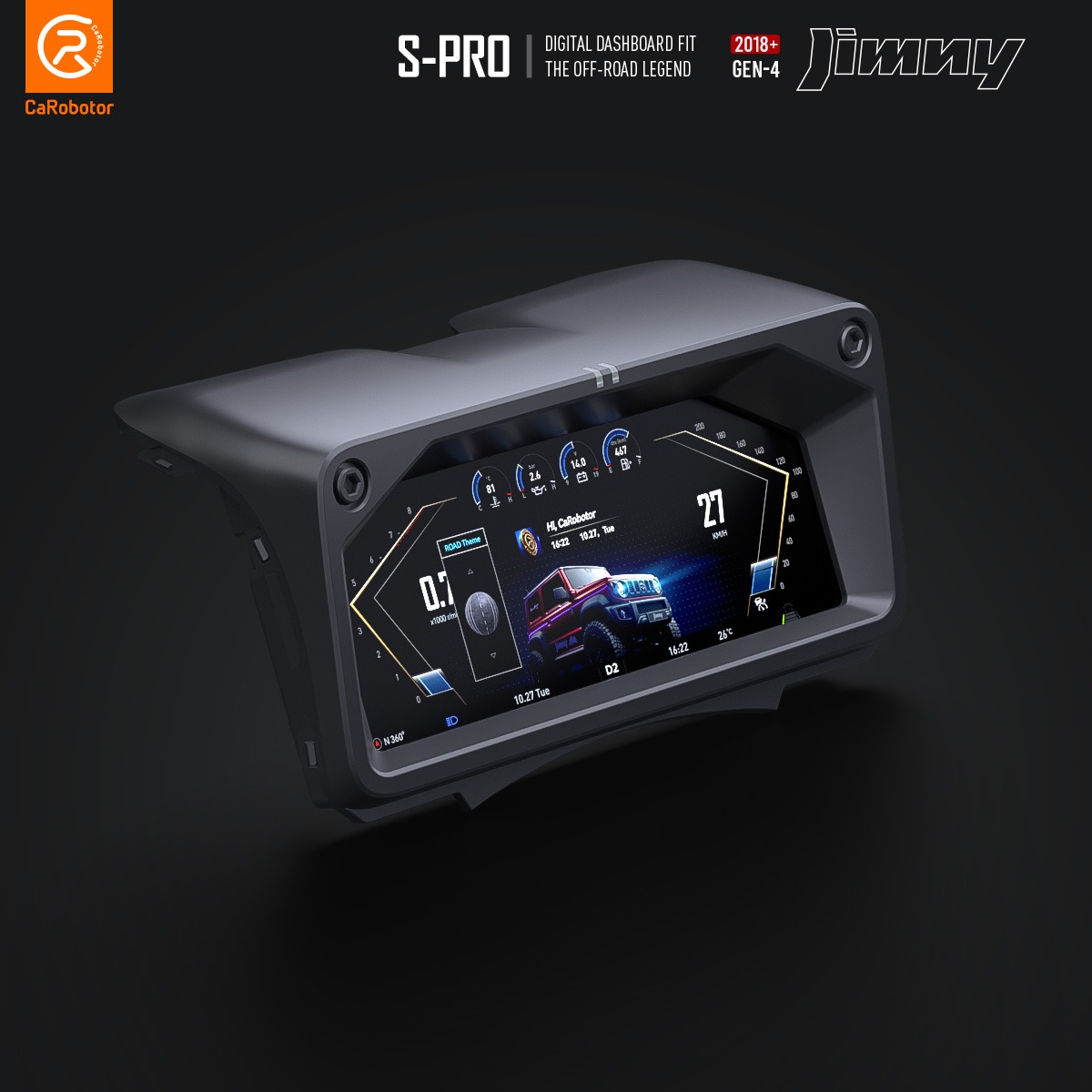
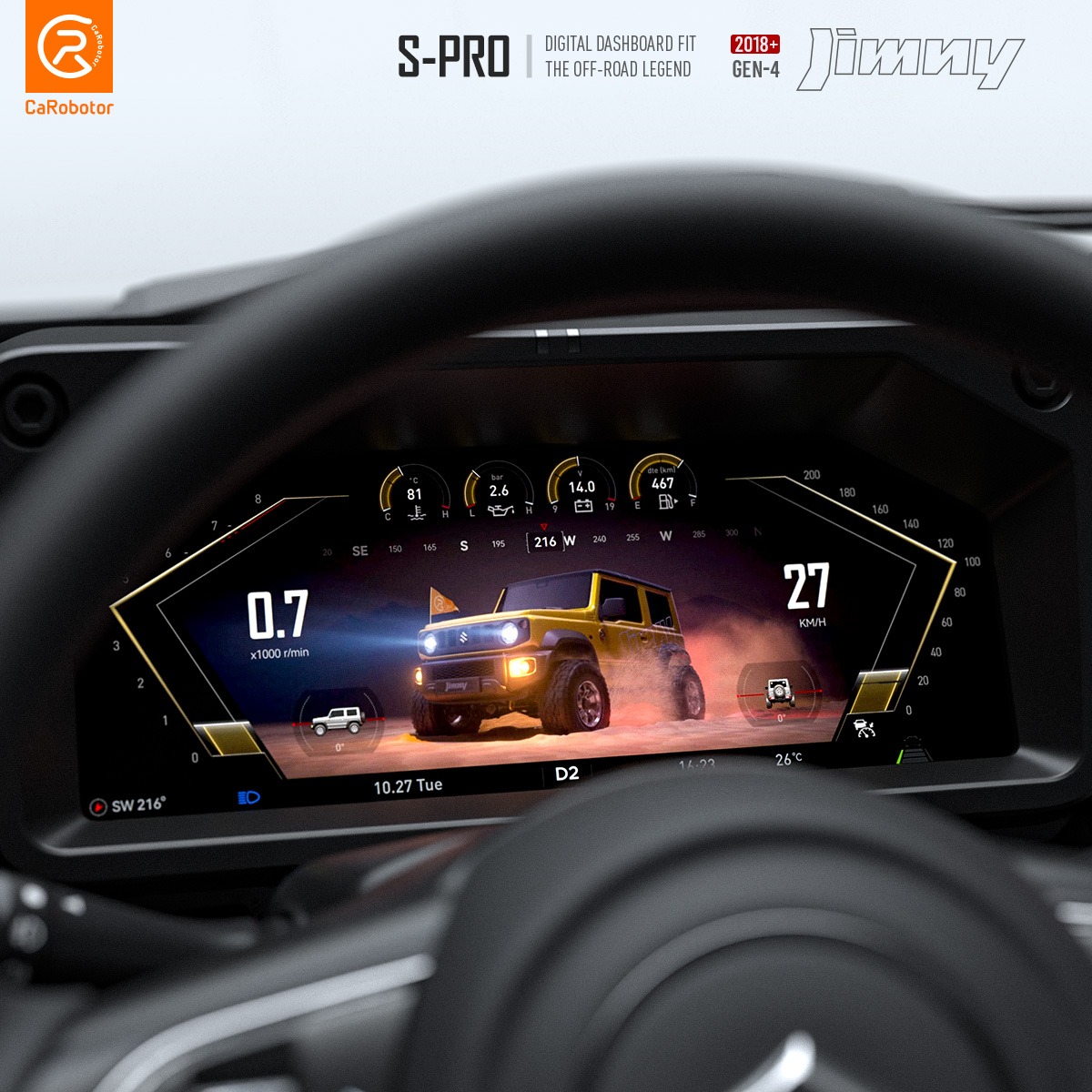
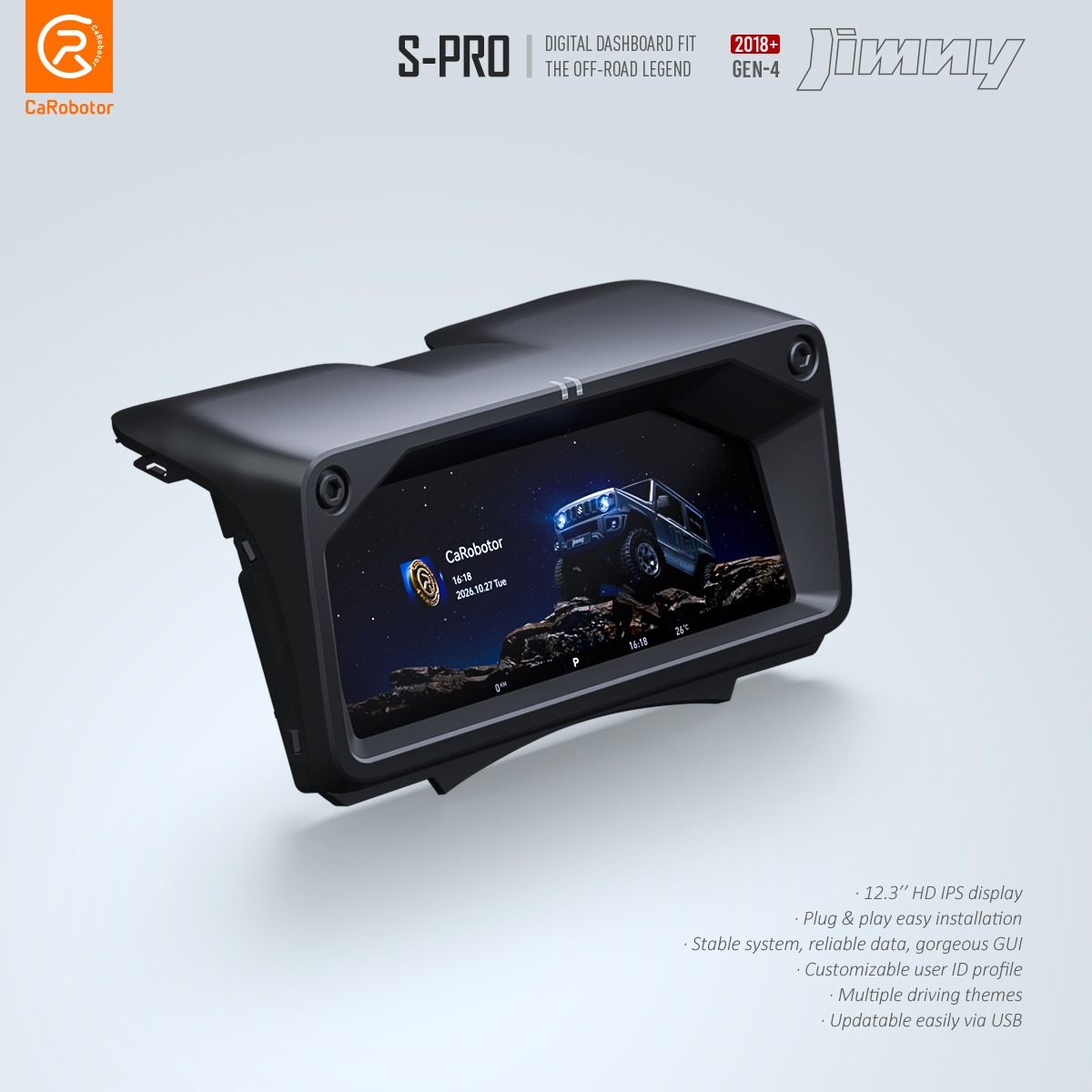
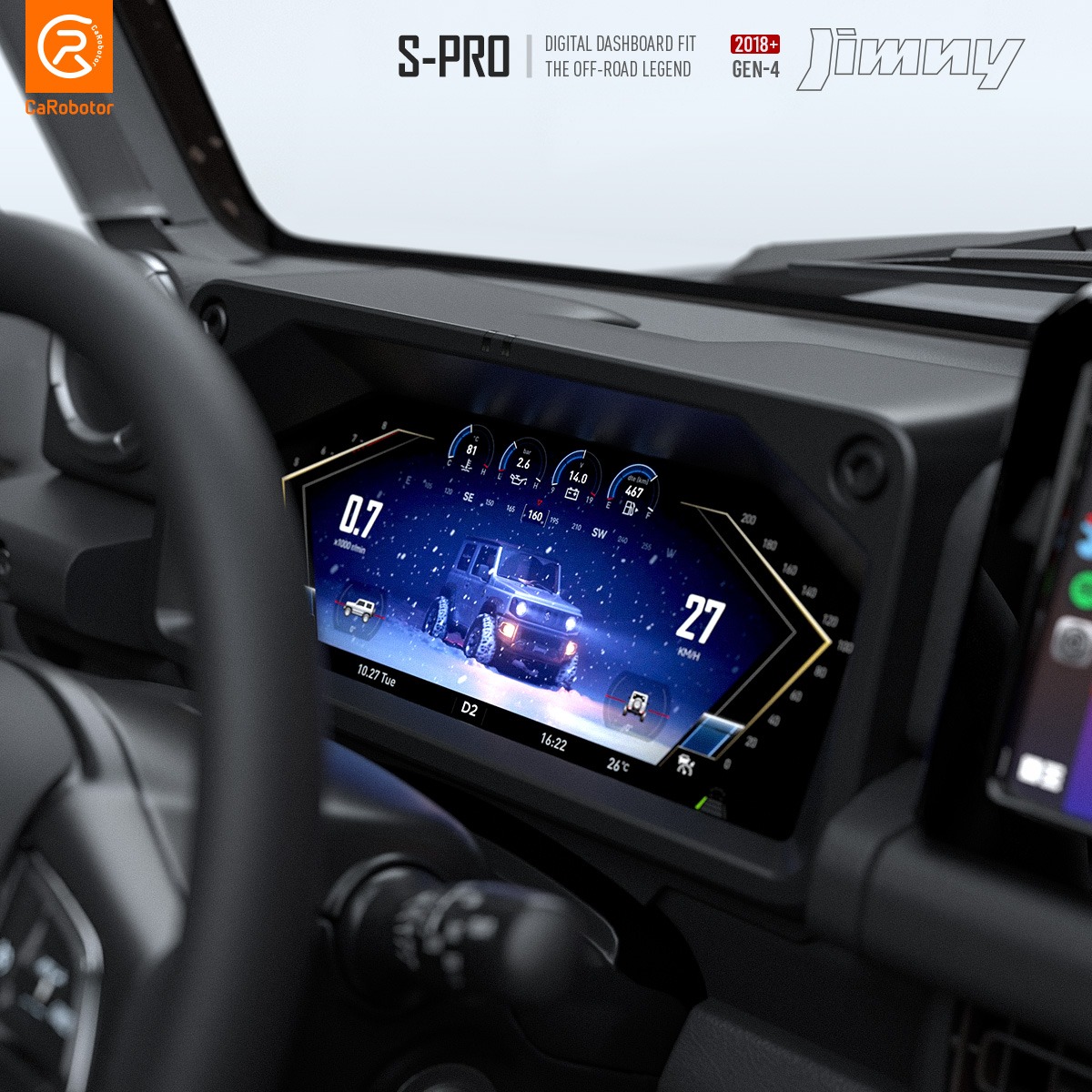
The Suzuki Jimny Digital Dashboard replaces your factory instrument cluster with a 12.3-inch IPS display designed for the fourth-generation Jimny. Use the Road theme to check trip information and fuel economy on your daily drive, then switch to the dedicated Off-Road screen to see transfer case position, pitch, and roll on the trail.
The S-Pro fits 2018 and newer Jimny JB64 and JB74 models and is compatible with left- and right-hand drive vehicles. You can personalize the welcome screen with your own driver ID and profile image, change gauge colors in supported themes, and use the factory steering wheel buttons to switch between views.
Vehicle Compatibility
| Feature | Compatibility |
|---|---|
| Vehicle | Fourth-generation Suzuki Jimny, 2018 onward |
| Model codes | JB64 and JB74 |
| Steering position | Left-hand drive and right-hand drive |
| Transmission | Automatic and manual. Selected gear is not displayed on manual models. |
| Tire pressure monitoring | Compatible with factory Suzuki TPMS and the optional CaRobotor TPMS system |
Five Display Themes
| Theme | What you can see or customize |
|---|---|
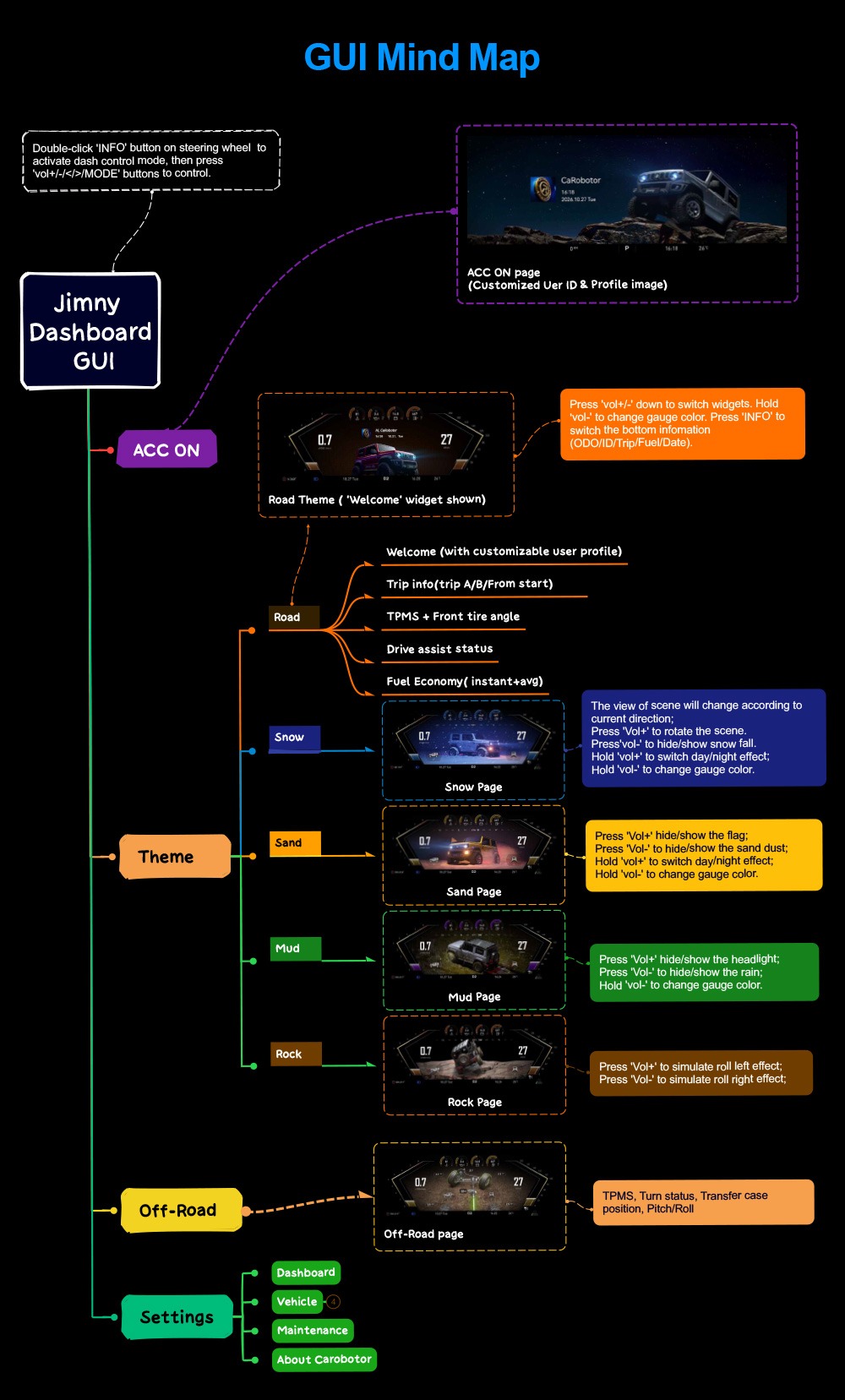
| Road | Switch between your driver profile, Trip A and Trip B, trip information since startup, tire pressures and front wheel angle, driver assistance status, and current or average fuel economy. |
| Snow | Rotate the scene, turn the snowfall effect on or off, and switch between day and night visuals. |
| Sand | Customize the desert scene by showing or hiding the flag and dust effects, or switch between day and night visuals. |
| Mud | Toggle the rain and headlight effects and adjust the gauge color. |
| Rock | Explore a rocky trail scene with left and right roll effects. |
Dedicated Off-Road Screen
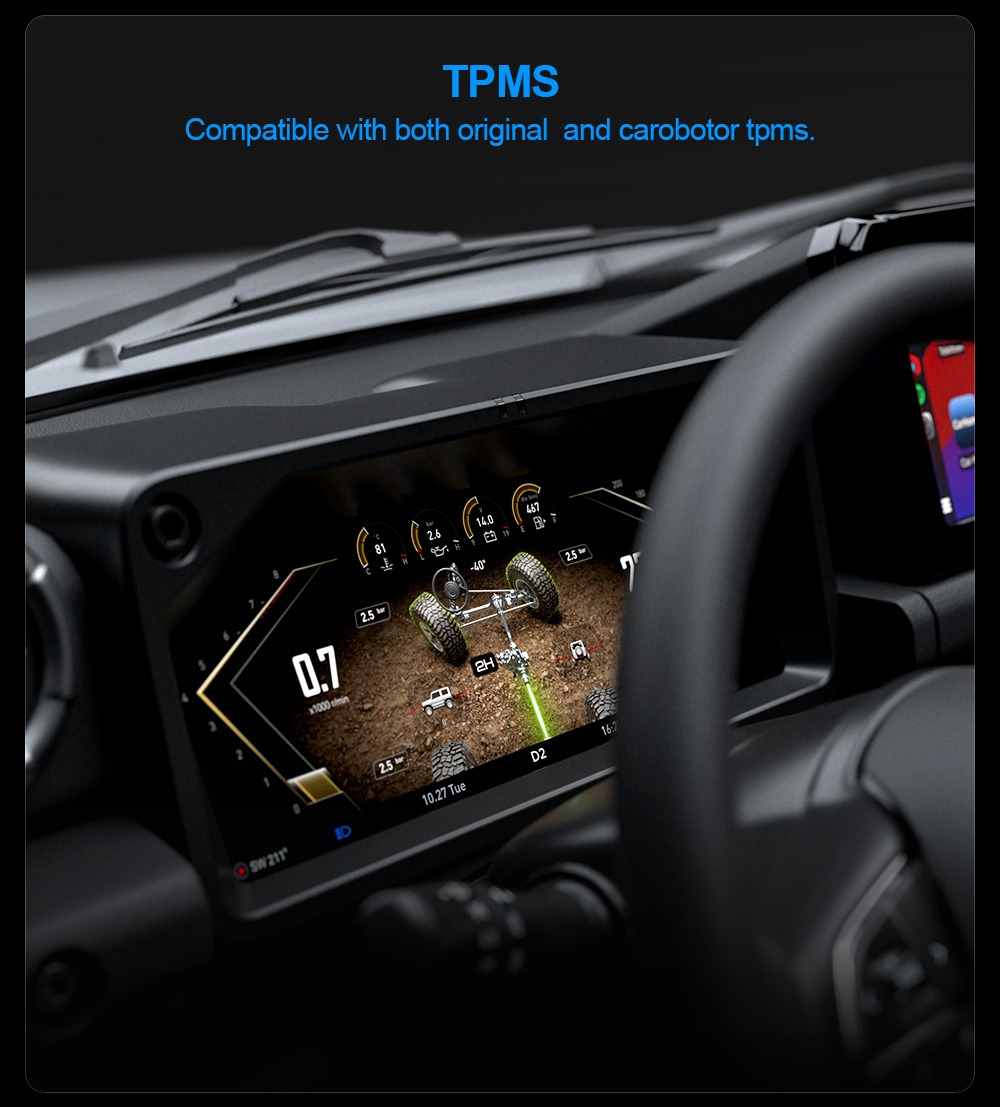
The Off-Road screen puts transfer case position, pitch and roll, steering status, and tire pressures together in one view. You can check which transfer case setting is engaged and see how the vehicle is angled as you move over uneven terrain. This screen is separate from the five visual themes and can be selected from the dashboard interface.
Steering Wheel Controls and Display Brightness
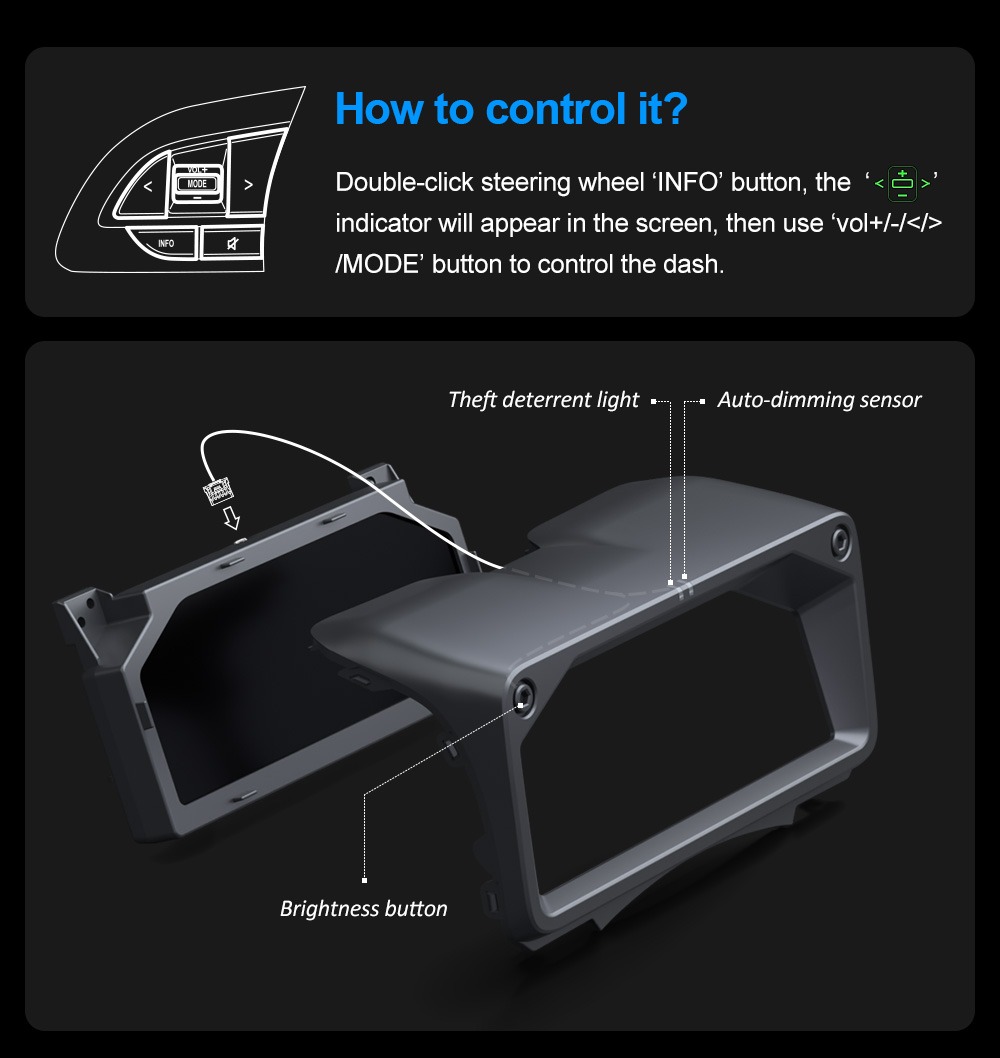
Press the steering wheel’s INFO button twice to enter dashboard control mode. When the control indicator appears on the display, use the volume, left/right, and MODE buttons to navigate. In the Road theme, the INFO button also lets you cycle through the information shown at the bottom of the screen, including odometer, driver ID, trip, fuel, and date.
The bezel has an automatic dimming sensor, a dedicated brightness button for manual adjustments, and a theft deterrent indicator light.
Tire Pressure Monitoring
The S-Pro works with the Jimny’s factory tire pressure monitoring system and supports the optional CaRobotor TPMS receiver. If your Jimny already has compatible factory TPMS sensors, you can keep using them. Tire pressure readings can be viewed in both the Road theme and the Off-Road screen.
Plug-and-Play Installation and Odometer Transfer
Keep your original instrument cluster available during installation. The setup uses a temporary connection between the factory cluster and the S-Pro to synchronize vehicle data. Enter the supplied activation code when prompted so the S-Pro can complete the synchronization and transfer the existing odometer reading. Once synchronization is complete, the vehicle’s original dashboard harness connects to the S-Pro for final installation.
The installation diagram below shows the temporary synchronization cable, steering wheel control connection, and final screen and bezel assembly. It also identifies the USB port for dashboard updates, the GPS antenna connection, and the optional CaRobotor TPMS receiver connection. The additional harness shown in the diagram is for 2026 and newer higher-trim models that use a second factory cluster connector.
Frequently Asked Questions
Will it work with my manual Jimny?
Yes. The S-Pro supports manual and automatic Jimny models. On a manual Jimny, the display does not show the selected gear.
Can I keep my original mileage?
Yes. Your existing odometer reading can be transferred from the original instrument cluster during installation and activation.
Do I need to buy additional tire pressure sensors?
If your Jimny already has compatible factory TPMS, you can use your existing sensors. The optional CaRobotor TPMS system is available if you want to add tire pressure monitoring.
How do I check fitment before ordering?
Send us your Jimny’s model year, model code, steering position, and transmission type. If you have a 2026 or newer higher-trim model, a photo of the factory cluster connectors can help us confirm which harness your vehicle needs.
Purchase & After-Sales Policy
1. Return Policy
-
If the product is unopened, you may request a return within 7 days of receiving the item.
-
The customer is responsible for both the original shipping cost and the return shipping cost.
-
If the product has been activated, installed, or used, it is not eligible for return, as it can no longer be resold.
2. Warranty Policy
-
All products come with a 2-year warranty.
-
During the warranty period, we provide free repair or replacement service in the event of any product defects.
3. Shipping & Customs
-
We ship via DHL, UPS, or FedEx, depending on your region.
-
However, customs clearance and any related duties or import taxes are the customer’s responsibility. We do not provide customs handling services.
4. Shipping Time
-
Orders will be shipped within 3–5 business days after confirmation.
-
Once the package is shipped, a tracking link will be sent to your order email.
-
Please note that during public holidays or peak seasons, there may be slight delays in shipping. Thank you for your understanding and support.
5. Returning Customer Discount
-
We offer a small discount to our returning customers.
-
If you’re a repeat buyer, please contact our customer service before placing your order to receive your discount code.